Trump's Bold Move: 5 Critical Impacts of the US-Spain Trade Halt 📸 Image Credit: Reuters By Azeem-USA · Wed Jul 08 2026 English (en-US) The world watched with bated breath as former President Donald Trump’s administration pursued an 'America First' foreign policy that often challenged long-standing international norms and alliances. Among the most striking and consequential actions was a reported order to halt US trade with Spain, a critical NATO ally. This unprecedented move sent shockwaves across the transatlantic community, raising profound questions about the stability of alliances, the future of global trade, and the leverage of economic power in diplomatic disputes. This post will delve deep into the multifaceted reasons behind this controversial decision, primarily focusing on two core contentions: Spain's commitment to NATO defense spending targets and its perceived stance on Iran. We will meticulously unpack the historical ...
Apple MacBook Neo Unboxing & Review (The $599 Game Changer)
By Azeem-USA


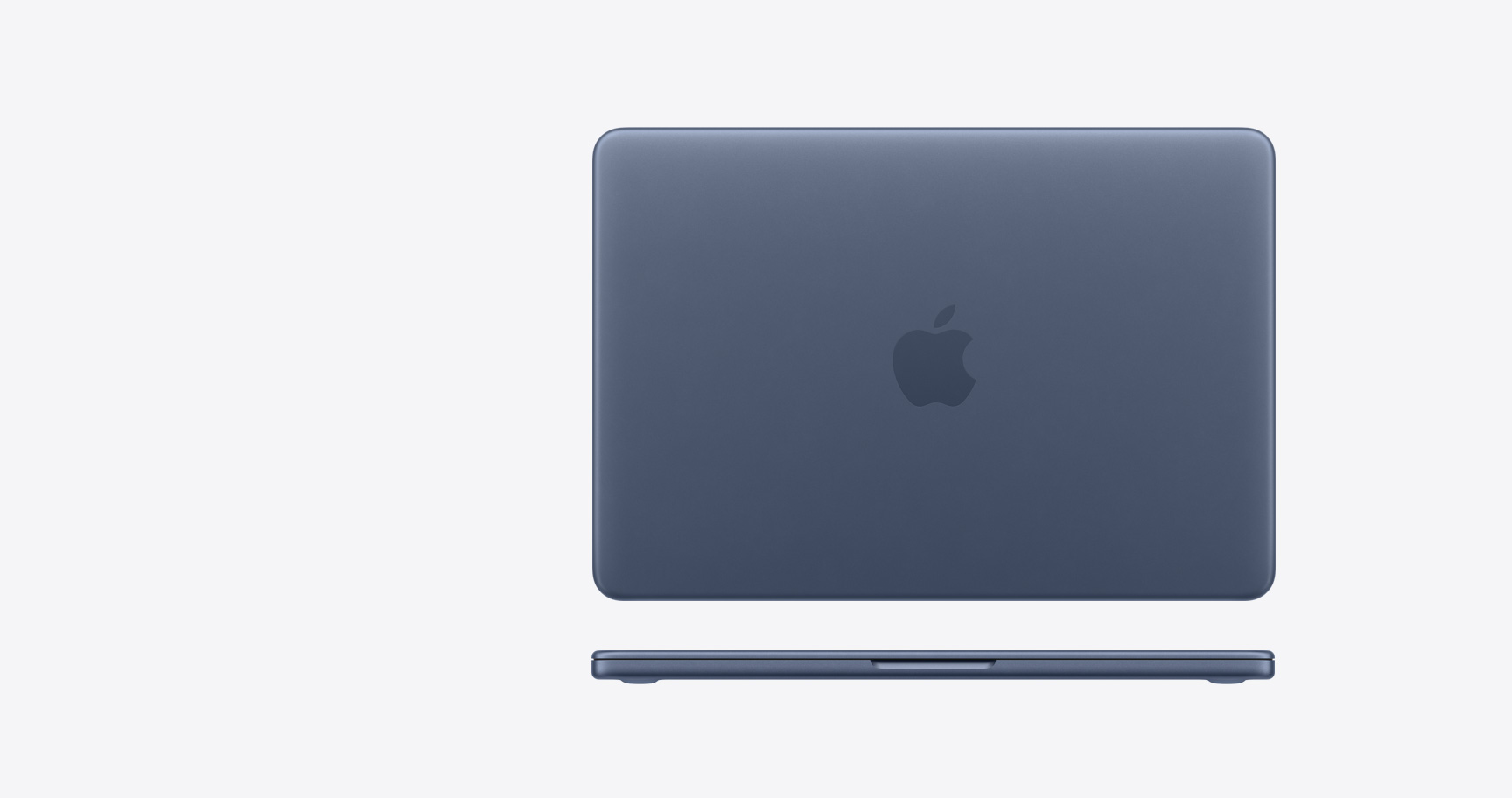

Apple has officially shattered the magic $999 price barrier. With the launch of the MacBook Neo, starting at just $599 ($499 for education), the company is no longer merely "dabbling" with older hardware at retailers like Walmart. Instead, they have engineered a machine from the ground up to dominate the entry-level market. This is a direct assault on the Chromebook and mid-range Windows laptop segments, signaling a "Chromebook Killer" era for the Mac ecosystem.
The Neo marks a historic architectural shift as the first Mac powered by an iPhone Pro processor—the A18 Pro chip. By leveraging mobile silicon, Apple can offer a premium aluminum build and a 500-nit display at a price point where competitors traditionally ship "plasticky" junk with dim, 250-nit screens. As Steve Jobs famously noted, Apple doesn't ship junk, and the Neo aims to prove that budget-friendly doesn't have to mean poorly made.
However, bringing a Mac to market at this price requires calculated trade-offs. From the lack of a backlit keyboard to a surprising USB 2.0 port, we’re diving deep into the technical nuances to see if these compromises are dealbreakers or brilliant engineering achievements for students and casual users.
Unboxing and Build Quality: Aluminum vs. Plastic
The unboxing experience of the MacBook Neo feels remarkably "un-budget." While Windows laptops in the $500–$600 range often utilize flimsy plastic shells that flex under pressure, the Neo retains the solid aluminum chassis that defines the modern MacBook. Weighing in at 2.7 pounds, it is identical in weight to the 13-inch MacBook Air, making it an elite portable option for the back-to-school crowd.
Aesthetic Differences
To hit the $599 price point, Apple implemented subtle but smart design pivots. The Apple logo on the display lid is embossed rather than polished, and the color palette is more playful: Silver, Blush (pink), Indigo (blue), and Citrus (yellow). Interestingly, the keyboards are color-matched to the chassis—the keycaps themselves are slightly tinted in Blush, Indigo, and Citrus models, while the Silver model features classic white keycaps. Inside the box, you'll find a modest 20W USB-C power adapter, reflecting the energy efficiency of the A-series architecture.
The A18 Pro Transition: PoP RAM and Bandwidth
Under the hood, the MacBook Neo is powered by the A18 Pro chip (6-core CPU, 5-core GPU). While this processor was originally designed for the iPhone 16 Pro, its implementation here provides a significant 3x boost for on-device AI workloads compared to the best-selling Intel Core Ultra 5 PCs. This chip ensures full support for Apple Intelligence, ensuring the Neo remains relevant as macOS Tahoe evolves.
The Technical Reality of 8GB RAM
From an analyst's perspective, the 8GB RAM limit is the Neo's most rigid constraint. This isn't just a marketing upsell to the MacBook Air; it’s a hardware limitation. The A18 Pro utilizes Package-on-Package (PoP) RAM, where the memory is physically layered onto the SoC. Because the A18 Pro was never designed for more than 8GB, there is no configuration for 16GB. Furthermore, the memory bandwidth is capped at 60GB/s—a notable step down from the 153GB/s found on the M5 MacBook Air. While perfectly adequate for browser-heavy workflows, users should expect more frequent memory swap activity during heavy multitasking.
Display Nuances and Input Trade-offs
The Neo sports a 13.0-inch Liquid Retina display with a resolution of 2408 x 1506. While it offers 500 nits of brightness—matching the MacBook Air—the colors are limited to the sRGB gamut. Prosumers who require P3 wide color will want to step up to the Air. Additionally, visual observers will notice thicker display borders compared to the slimmer bezels of the higher-end models.
Mechanical Keyboard and Trackpad
Input hardware sees the most significant "budget" adjustments. The Magic Keyboard utilizes a scissor-switch mechanism that feels great, but it lacks a backlight—a hurdle for those working in dark dorm rooms. The trackpad is a mechanical Multi-Touch unit, similar in feel to the trackpad on the iPad Air’s Magic Keyboard. It is clickable anywhere, but lacks the Force Touch haptic feedback found on the MacBook Air and Pro.
Connectivity: The "Slow Port" Engineering Feat
I/O is where the Neo shows its entry-level roots. It features a 3.5mm headphone jack and two USB-C ports, but no MagSafe charging. This means one port is occupied when charging.
The USB 2.0 Catch
In a surprising technical detail, while both ports look identical, only one is a USB 3 (10 Gb/s) port. The other is limited to USB 2.0 (480 Mb/s) speeds. Apple marketing notes that bringing two ports to an A-series SoC was a "significant engineering achievement," as these chips were originally designed for single-port mobile devices. If you accidentally plug an external display into the "wrong" USB 2.0 port, macOS will trigger a notification suggesting you switch to the high-speed port. Users should also note that the Neo supports only one external display at 4K 60Hz.
Comparative Analysis: MacBook Neo vs. MacBook Air (M5)
| Feature | MacBook Neo | MacBook Air (M5) |
|---|---|---|
| Chip | A18 Pro (6-core CPU) | M5 (10-core CPU) |
| Display Size / Res | 13.0" (2408 x 1506) | 13.6" (2560 x 1664) |
| Color Gamut | sRGB | Wide color (P3) |
| Starting Price | $599 ($499 Edu) | $1,099 ($999 Edu) |
| Memory Bandwidth | 60GB/s | 153GB/s |
| Keyboard | Non-backlit | Backlit |
| Ports | USB 3 (10 Gb/s) + USB 2.0 | 2x Thunderbolt 4 + MagSafe |
| External Display | 1x 4K @ 60Hz | 2x 6K @ 60Hz |
Conclusion: The New Low-Cost Champion
The MacBook Neo is exactly the statement Apple needed to make. By utilizing iPhone silicon and accepting strategic trade-offs—like the non-backlit keyboard and the USB 2.0 port—they’ve delivered a machine that is fundamentally "not a piece of junk" for $599. It offers the build quality and screen brightness that budget Windows rivals simply cannot match. For students, casual users, and those looking to switch to Mac for the first time, the Neo is a massive win.
Ready to switch to Mac? Pre-order the MacBook Neo at Apple or Amazon before the March 11 release date.
Explore more in our MacBook Air M5 Review or head to Apple's Official Compare Mac Page to see the full technical breakdown.
Frequently Asked Questions
How much does the MacBook Neo cost?
The standard retail price is $599. However, it is available for $499 for qualified education buyers.
Does the MacBook Neo have Touch ID?
Touch ID is only available on the 512GB configuration, which retails for $699. The base $599 model uses a standard power key.
Can I upgrade the 8GB RAM?
No. The 8GB memory is a Package-on-Package (PoP) architecture limitation of the A18 Pro chip and cannot be expanded.
When is the MacBook Neo release date?
The MacBook Neo is available for pre-order now and officially hits stores on March 11, 2026.
Comments
Post a Comment